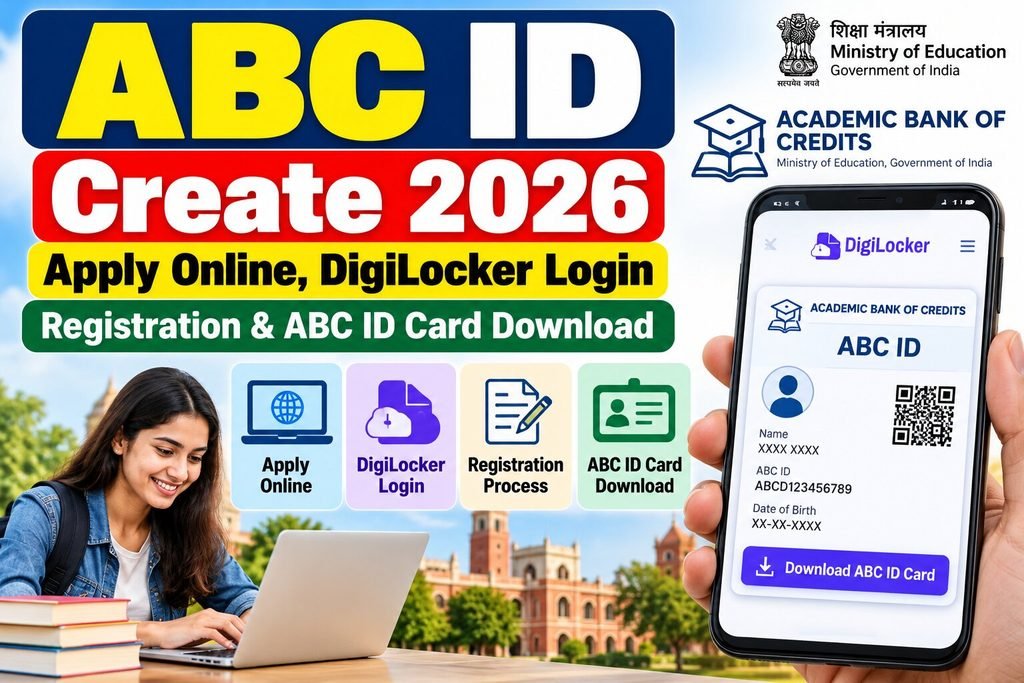
The government has introduced several initiatives in India to digitize student educational records. One significant system among these is the ABC ID (Academic Bank of Credits ID). It allows for the maintenance of a digital record of academic credits earned by students pursuing higher education. Through DigiLocker and the relevant official portals, students can view their academic credentials and existing documents online. Furthermore, they can securely store all their documents in a digital format.
If you wish to create an ABC ID, log in to DigiLocker, or download your ABC ID card, please read the complete information provided in this article in detail.
ABC ID 2026 Key Highlights
| Particulars | Detail |
| Article Name | Academic Bank of Credits 2026 |
| Governing Body | University Grants Commission (UGC) / Ministry of Education |
| Application Mode | Online |
| Login Platform | DigiLocker |
| Registration Fee | Generally Free |
DigiLocker Login 2026: How to do it?
- Open the official website: https://www.digilocker.gov.in/.
- Select the ‘Login’ or ‘Sign In’ option.
- Enter your registered mobile number.
- Complete the required verification process.
- Enter the OTP or any other requested information.
- Access your account after successful verification.
Note : If you do not have a DigiLocker account, create one by selecting the ‘Sign Up’ option. Complete the registration process using your mobile number or other supported details, following the instructions provided on the current screen.
Process for Downloading an ABC ID Card
- Open the DigiLocker website
- Log in to DigiLocker
- Click on ‘Issued Documents’
- Select ‘ABC ID Card’
- Click on ‘Download’
Official Links for ABC ID Registration
| ABC Official Portal | abc.gov.in |
| DigiLocker | digilocker.gov.in |
| ABC Support | support.abc.gov.in |
Documents Required for ABC ID Registration 2026
- Full name as per Aadhaar
- Date of birth and gender
- Mobile number and OTP verification
- DigiLocker account
- Name of college or university
- Roll number, registration number, or enrollment number, if available
- Aadhaar-related details, where required
Also Read – UGC Approved Online Degree Courses in India 2026 Approved & Fake University List
What is an ABC ID?
The full form of ‘ABC ID’ is ‘Academic Bank of Credits ID’. It is a 12-digit unique digital identification number created under the Government of India’s National Education Policy (NEP 2020).
You can think of it as a ‘digital education bank account’ for students. Just as money is deposited in a bank, this ID securely stores—in digital form—the academic credits earned by students, as well as their degrees, diplomas, mark sheets, and other academic achievements.
ABC ID Create Online 2026 – ABC ID Registration Process Through Digilocker
- To create an ABC ID, you must first visit the DigiLocker website: https://www.digilocker.gov.in/
- You will also need an account on DigiLocker. If you already have an account, log in; otherwise, sign up.
- After logging in, you will need to go to the ‘Search Documents’ option.
- Here you will see a search bar; you need to search for the following in it: ABC ID or Academic Bank of Credits.
- Under education services, you need to click on “Academic Bank of Credits – ABC ID Card”.
- Now, enter the requested academic details. These may include the institution name, admission year, identity type, and identity value.
- Fill the required information like Roll Number, Registration Number, Enrollment Number or New Admission etc.
- Fill in all the information and check it carefully; then, click the checkbox and select the ‘Get Document’ button.
- The information you have provided will be verified against the national database, after which your 12-digit ABC ID will be generated.
- You can download your ABHA ID card by going to the ‘Issued Documents’ section in DigiLocker.
Note: – The DigiLocker interface changes over time. When applying online, ensure that you select the correct option.
Common issues encountered while creating an ABC ID and their solutions
- Aadhaar Data Mismatch – The information regarding your name, date of birth, and gender in your Aadhaar card must match the data in your DigiLocker or college records; otherwise, the verification will fail during the ID generation process. If your data in the college records is incorrect, please contact the college to have it corrected. If your information is displayed incorrectly on your Aadhaar card, visit an e-Mitra center to get it rectified.
- Aadhaar OTP Issue – First, ensure that the mobile number you currently have and the mobile number linked to your Aadhaar are the same. Additionally, your current mobile number must be active. If you have changed your mobile number, please visit an e-Mitra center to get it updated. Sometimes, an OTP may not be received due to the UIDAI server being down; therefore, please wait for some time.
- College name not found in the drop-down list – When you are generating an ABC ID using your college name, sometimes your college’s name does not appear in the drop-down list. One reason for this could be that the concerned institution has not yet been fully registered with or synced to the National Academic Depository (NAD) or the ABC portal. In such a case, you may select “None of the above” from the drop-down list; this can be updated later. Or perhaps you are typing the name of your college incorrectly. Try searching using the exact name of the college.
ABC ID Create 2026 FAQs
abc.gov.in or digilocker.gov.in
Generally, there is no fee for creating an ABC ID through the official DigiLocker or ABC portal.
In the ‘Issued Documents’ section of DigiLocker, you will find an option to download your ABC ID.
ABC and APAAR are related systems with different names. The term ‘APAAR (ABC) ID’ is now also used for the purpose of identifying students.
No, you do not need to create a new ID for this; the record of your new college will be automatically added to your existing ID.
1 thought on “ABC ID Create 2026 Apply Online, DigiLocker Login, Registration & ABC ID Card Download Process”